Enter the extra password

For secure link recipients — what the extra password is and what to do if it's rejected.

Gets you past the password screen on a secure Mediref link. The practice added this check to protect the patient’s information.

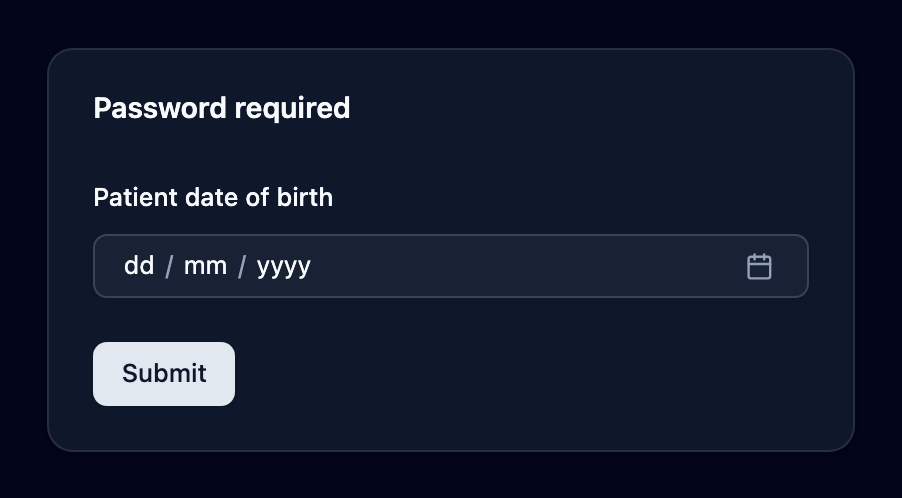
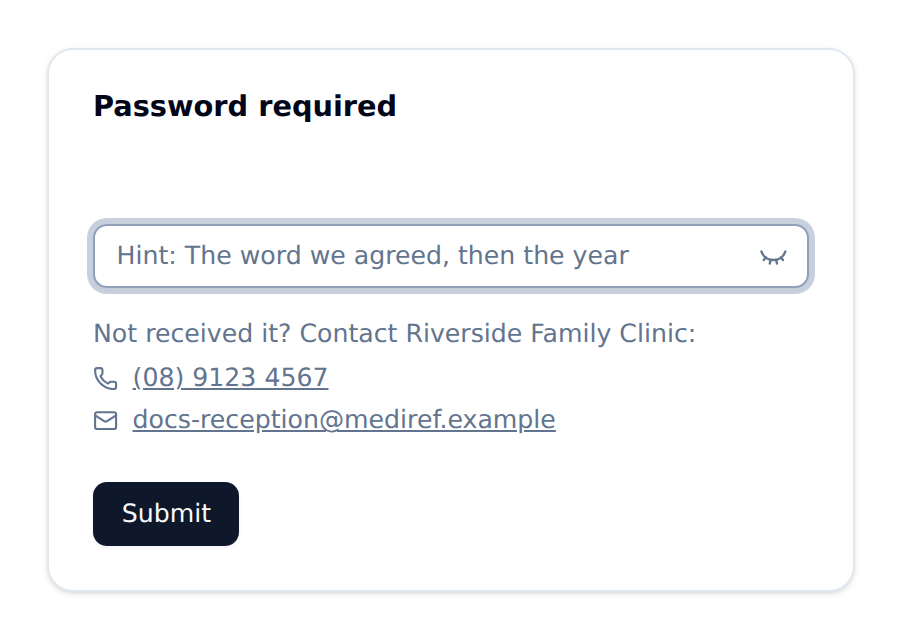
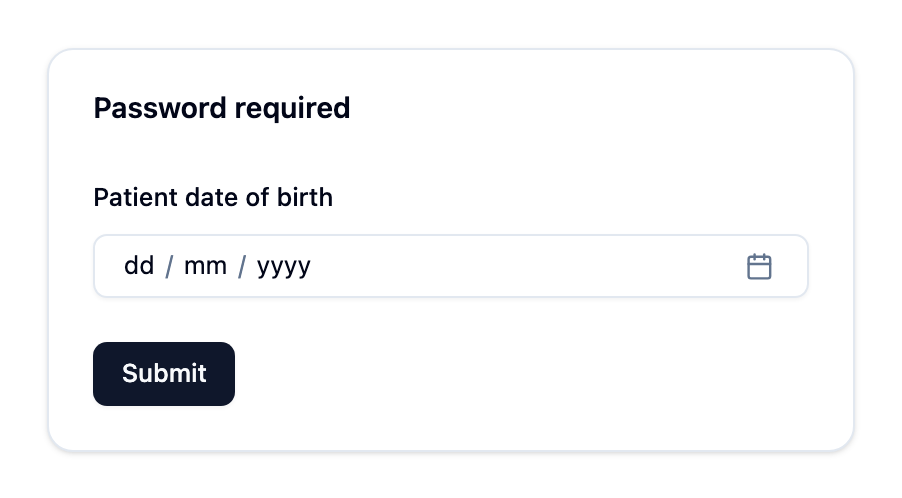
The box is headed Password required and tells you which kind of password it wants:

  • Patient date of birth — you pick the date from a calendar instead of typing it. If you’re the patient, use your own.
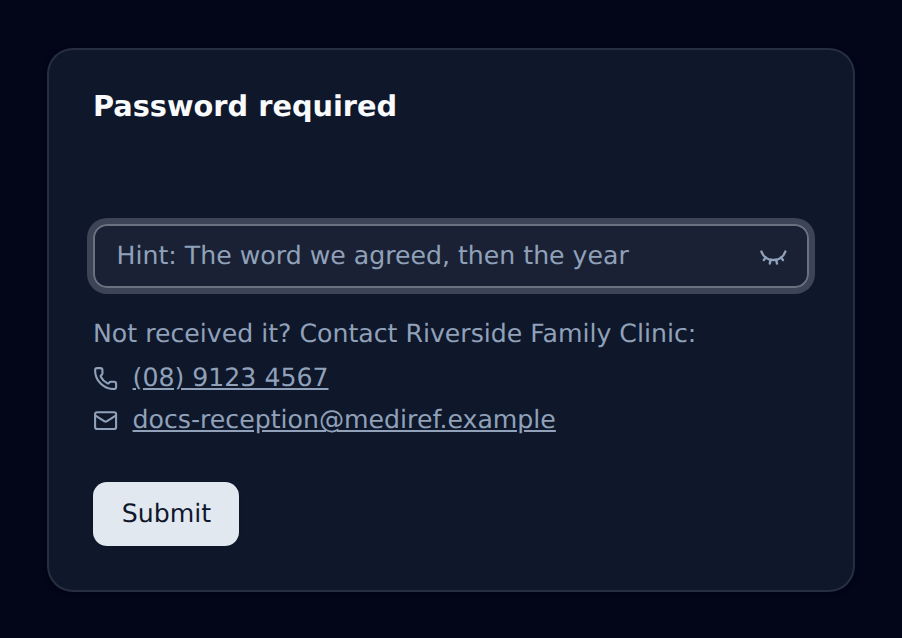
  • A password box — a password the practice chose. If they left a clue, it shows in the box as Hint: until you start typing, then moves above it. Underneath, Not received it? gives the practice’s phone number and email so you can ask them for it.

Then click Submit.
Password required screen asking for the patient's date of birth Password required screen asking for the patient's date of birth
Password required screen asking for the patient's date of birth
Password required screen with the practice's hint in the password box and their phone number and email underneath Password required screen with the practice's hint in the password box and their phone number and email underneath
Password required screen with the practice's hint in the password box and their phone number and email underneath

Mediref Help Centre · https://www.mediref.au/support/enter-the-extra-password

Helpful?

Still need a hand?

Search for another article, or contact us.